Photoshop CS4 for the Underwater Photographer
 |
Contact Us to get the  * You can use Credit Cards on Paypal too. Having a Paypal account is NOT required |
|
For all you CS3, CS5 and CS6 users out there, these tutorials are for you too!
|
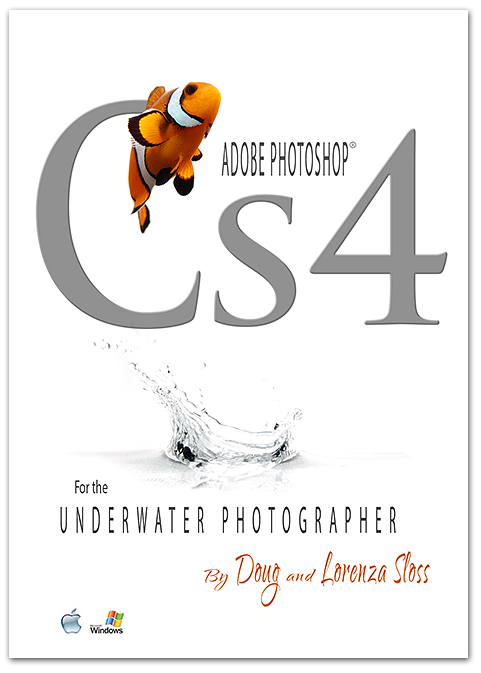
| Featuring over 10 hours of easy to follow video instruction, “Photoshop CS4 for the Underwater Photographer” guides viewers through the essential and advanced Photoshop techniques used to produce stunning underwater imagery. You’ll learn the “correct way of doing things” and master the secrets savvy Photoshop users employ to produce professional results. Packed with informative step by step lessons taught using “real life examples,” this DVD covers everything from the Camera Raw interface to advanced topics like underwater HDR photography. |
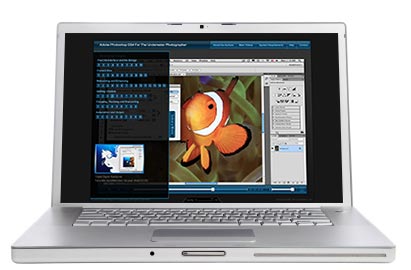 |
| With an easy to navigate flash-based menu to choose from, shooters can select from almost 70 NEW different lessons to perfect their editing skills whenever the time is right. You’ll learn about the flexibility of Smart Objects, the importance of adjustment layers, how to effectively make water blue, and ways to remove backscatter. You’ll master creative sharpening techniques, learn how to use curves and understand how to employ advanced retouching and color correction methods you can use to improve every shot out of the camera. In addition, you’ll discover what’s new in CS4 along the way, and how it can help you improve your images. So what are you waiting for? Leave the heavy manuals at home and join Doug and Lorenza Sloss as they guide you through this learning adventure in what can be considered the ultimate reference library for the underwater shooter.
ADVANCED OR BEGINNER? YOU’RE COVERED! |
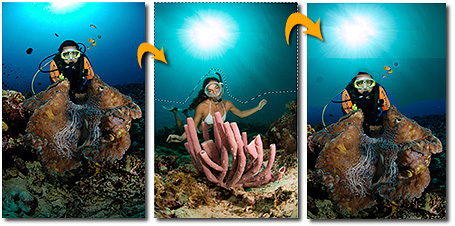 Learn the advanced Auto Blend capabilities CS4 offers to generate stunning composites, like this one! Learn the advanced Auto Blend capabilities CS4 offers to generate stunning composites, like this one! |
|
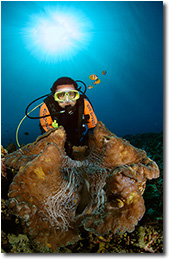
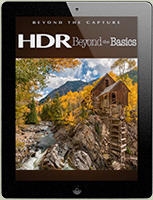
| HOT NEW TREND! UNDERWATER HDR Tap into fresh new technology to improve your photos and create high dynamic images. Learn how to tonemap your raw files and develop unique artistic photos rich in detail with more vibrant color than ever before. |
|
|
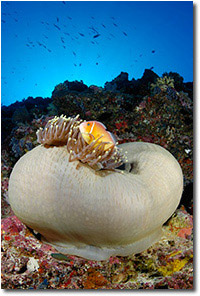 Before
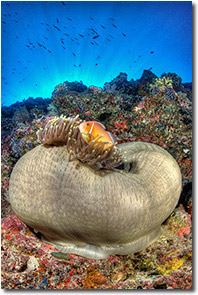 After
After|
|
|
RETOUCH AND ENHANCE YOUR PHOTOS Learn the most effective ways to clean up an image, remove backscatter and optimize your shots using adjustment layers and a non-destructive workflow. Fix most problems in your photos and give them that extra bit of “love” that makes them stand out from the rest. |
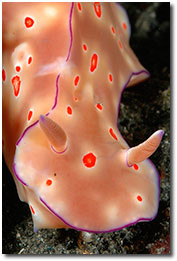 Before
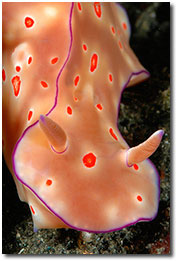 After
AfterMAKE WATER BLUE AND TRUE… and make your colors pop.
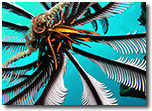 Before Before
|
|
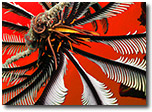 Refining selections
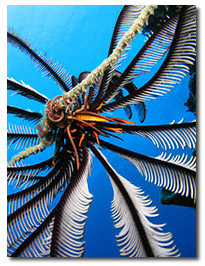 After
After|
|
CAMERA RAW Learn the ins and outs of the Raw Interface, to produce images with superior tonal range and maximum amount of detail. Get familiar with the new Adjustment Brush and its ability to produce easy localized corrections. WORK SMARTER AND FASTER Learn how to better organize with Collections and Automate faster with the Output Panel, actions and droplets. Adjustment layers and Smart Objects let you work smarter and faster, like never before. |
|
|
LEARN AT YOUR OWN PACE Dig in with lessons that cover the classic approaches and more advanced enhancements. With a video library of almost 70 videos you can access at any time – it’s like having a week long seminar available whenever you feel like learning. PERFECT FOR ON THE GO Learn valuable tips and have fun on vacation and leave all the heavy and complicated manuals at home. Small enough to take on every trip |
|
|
PROFESSIONALLY PRESENT YOUR WORK Learn how to creatively show off your work to friends and clients alike with Web Galleries, PDF presentations, Contact Sheets, Art prints and more! |
|
SYSTEM REQUIREMENTS: |
Contact Us to get the
Digital Download * You can use Credit Cards on Paypal too. Having a Paypal account is NOT required |
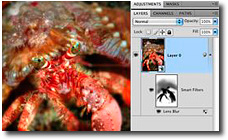
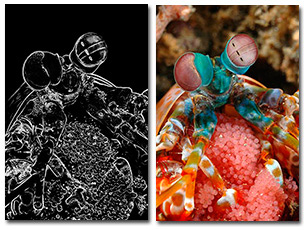 Edge Mask Sharpening
 Depth of Field
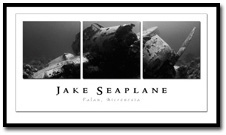 Art Prints
|
Adobe and Photoshop are either registered trademarks of Adobe System Incorporated in the united States and/or other countries. This product is neither endorsed nor sponsored by Adobe System Incorporated, publisher of the Adobe Photoshop family of products including Photoshop CS3, Photoshop Cs3 Extended, Photoshop CS4, and Photoshop CS4 Extended |
  |
CHECK OUT ALL THE LATEST DEALS AT B&H |



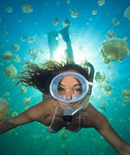
 DAVE HARASTI "I've been using Photoshop ever since I took up underwater photography 7 years ago. I'd managed to teach myself some Photoshop basics and over the years I've picked up a couple of useful tips and shortcuts here and there from other photographers. But then I came across Doug Sloss and my Photoshop world changed! Using Doug's tutorials I've learnt many new techniques such as...
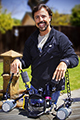 DEREK EMMETT "Doug and Lorenza Sloss have compiled the finest single point Photoshop tutorials I’ve seen to date. Anyone that is serious about improving their Photoshop skills has gone through a book or three of Scott Kelby, and also 1000 pages to get what you need! Not anymore, as Doug has a great intuitive approach and teaching style that is practical, useful, and targets all the tools we need to improve our shots as photographers. The entire Photoshop experience is covered...
  MARK THORPE "Underwater Photoshop Cs4 is a must for all serious marine photographers. Whether professional or amateur this product affords you the direction to make your images stand out from the crowd".
Mark Thorpe, Underwater Cameraman & Social Network Creator
MARK THORPE "Underwater Photoshop Cs4 is a must for all serious marine photographers. Whether professional or amateur this product affords you the direction to make your images stand out from the crowd".
Mark Thorpe, Underwater Cameraman & Social Network Creator
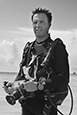 JASON HENTHORNE "Doug....I realize you don't want to toot your own horn. So...i will do it for you. For all you underwater photographers out there.....Doug's video training for CS4 is AWESOME!! The layout is easy to follow, the content is thorough whether you are novice or advanced user. Honestly....best $$$ I have spent in quite awhile.
Thanks Doug!
"
Jason Henthorne Fine Art Fotography,
JASON HENTHORNE "Doug....I realize you don't want to toot your own horn. So...i will do it for you. For all you underwater photographers out there.....Doug's video training for CS4 is AWESOME!! The layout is easy to follow, the content is thorough whether you are novice or advanced user. Honestly....best $$$ I have spent in quite awhile.
Thanks Doug!
"
Jason Henthorne Fine Art Fotography,  DEBI AND DAVID HENSHAW "Photoshop is the perfect tool for post editing photographs - but where do you start, finding your way around this complex application is daunting for most and so we decided to purchase Cs4 for The Underwater Photographer to help us out.
This intuitive step by step guide allows you to decide where you want to start - got a problem with dirty backgrounds? - then follow Doug’s easy to follow tips on what and how to use Photoshop to solve the problem, it’s all here and much more.
DEBI AND DAVID HENSHAW "Photoshop is the perfect tool for post editing photographs - but where do you start, finding your way around this complex application is daunting for most and so we decided to purchase Cs4 for The Underwater Photographer to help us out.
This intuitive step by step guide allows you to decide where you want to start - got a problem with dirty backgrounds? - then follow Doug’s easy to follow tips on what and how to use Photoshop to solve the problem, it’s all here and much more.  MIKE VEITCH "I always keep the Underwater Photoshop DVD close at hand as I'm always finding new tips and tricks in them that make my workflow so much faster. I recommend it to all my photography students who really want to learn to master Photoshop" Mike Veitch, Nad Lembeh Resort, Sulawesi
  ONNO & CARINE LENTING The Doug Sloss seminar we attended was by far and large the most interesting in years. Doug understands what underwater photographers want and he is able to give clear and concise explanations. He has the gift of making Photoshop 'easy'. Intrigued by the results and the ease we continued to learn through both his DVDs: wicked tips and tricks presented in clear easy to follow video tutorials.
 Photojournalists Doug and Lorenza Sloss travel the world teaching hundreds of people how to dive, shoot photography and enhance images using Adobe Photoshop.
Doug's photography and writings regularly appear in Sport Diver, Scuba Diver Australasia Scuba Diving, Islands, Asia Diver, and many other magazines and books worldwide.
A regular contributor for Scuba Diver Australasia, Doug also serves as Field Editor for the magazine...
Photojournalists Doug and Lorenza Sloss travel the world teaching hundreds of people how to dive, shoot photography and enhance images using Adobe Photoshop.
Doug's photography and writings regularly appear in Sport Diver, Scuba Diver Australasia Scuba Diving, Islands, Asia Diver, and many other magazines and books worldwide.
A regular contributor for Scuba Diver Australasia, Doug also serves as Field Editor for the magazine...
You must log in to post a comment.